
World Craft HD






About: World Craft HD
World Craft HD your own universe using recognisable square bricks. You want to create a little house, a castle, a garden or extend your city. It all begins with collecting materials and putting each block in the appropriate spot. The game is made in 3D sandbox format and you don’t have to go through a predefined storyline or do certain objectives.
How to play the World Craft HD game?
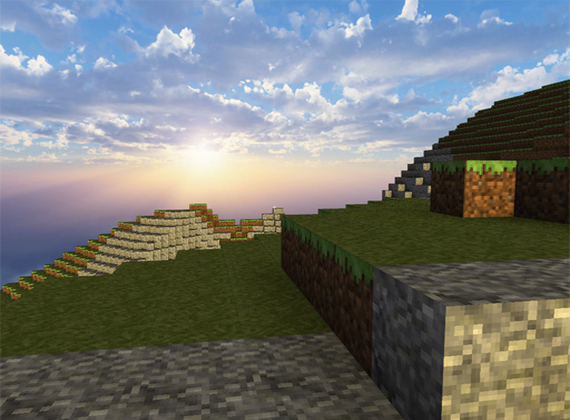
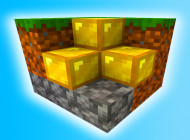
When you first spawn look about the region for soil, stone, wood and other things you need. You can break down existing blocks to acquire resources and then utilise them to build new things. The planet is composed of blocks that can be taken away and put back again . So if you don't like the design , you may change it whenever you want .
If you play on a computer, you can use W A S D to move, left click to shatter blocks and right click to arrange blocks. Press the Esc key to exit or to open the relevant settings in the game.
World Craft HD Strategies
First pick your construction site. A flat space will make it easier to set up your house and will be neater.
Gather materials wisely: Only mine and destroy as many blocks as you need, so you don't mess up the surrounding landscape.
Build from the ground up: It's important to finish the foundation before putting up walls and a roof to ensure a well-balanced building.
Try out different designs: Mix and match different block kinds to create unique accents rather than using a single material for the entire build.
Conclusion
World Craft HD is for lovers of crafting and exploration without restrictions imposed by certain goals. Start with a little house and then move on to a garden, a castle or even a whole city. The most exciting thing is, the world will alter according to the concepts you develop yourself.